Cybersecurity Habits Everyone Should Follow in 2026
Cyber attacks are no longer something that happens to someone else. Weekly attack volumes now average 1,968 incidents globally — an 18% jump from 2025 and a 70% surge since 2023, according to recent threat intelligence data. That is not a background statistic. It is the environment you navigate every time you open your browser, check your email, or log into an app.
The problem runs deeper than volume. The human element remains the root cause in up to 95% of breaches. Most attacks do not start with some brilliant technical exploit. They start with a reused password, a clicked link, or an unpatched app sitting forgotten on a device. The good news is that each of those entry points is completely within your control.
This guide covers the essential cybersecurity habits everyone should build in 2026. Whether you manage a team or just want to protect your own accounts, these practices will close the gaps that attackers count on. Start with one. Then build from there.
Why Cybersecurity Habits Matter More Than Ever in 2026
The cost of getting this wrong has climbed significantly. The average cost of a data breach in the United States hit an all-time record of $10.22 million in 2026, more than double the global average, as noted by StationX’s 2026 Cybersecurity Breach Statistics analysis. That figure covers incident response, legal costs, regulatory fines, and lost business. For individuals, the damage is less financial and more personal: stolen identities, drained accounts, and years of cleanup.
Additionally, attackers are operating faster. The average time to weaponize a known vulnerability has dropped to five days, while most organizations take between 60 and 150 days to deploy patches. That gap is where attacks live. For everyday users, this means the window between “a flaw is discovered” and “you can be exploited” is measured in days, not months.
The rise of generative artificial intelligence (AI) has made the threat landscape sharper. Attackers now use AI to craft phishing emails that are grammatically perfect, contextually convincing, and personalized at scale. Eighty-five percent of cybersecurity professionals attribute the rise in attacks directly to AI-powered tools used by bad actors. The old advice of “check for spelling mistakes in suspicious emails” no longer works.
The Human Element Is Still the Weakest Link
Technology has advanced, but human behavior has not kept pace. The Verizon Data Breach Investigations Report consistently shows that credential theft, phishing, and social engineering drive the majority of successful breaches. Identity weaknesses appear in nearly 90% of incident-response investigations, according to recent cross-source analysis.
This is not about blaming users. It is about recognizing that good habits are the most accessible and effective defense available. A hardware security key costs less than $50. A password manager subscription runs a few dollars a month. These tools stop attacks that no enterprise firewall can prevent, because the attack never touches the network. It targets the person.
Use Strong, Unique Passwords for Every Account
Password reuse remains one of the most dangerous habits online. When one service leaks your credentials — and services leak credentials constantly — attackers run those combinations against every major platform automatically. This technique, called credential stuffing, is entirely preventable if each account has a different password.
A strong password in 2026 means at least 16 characters, with a random mix of uppercase letters, lowercase letters, numbers, and symbols. Forget dictionary words, birthdays, or anything tied to your life. Attackers run dictionaries and personal data scraped from social media before they try anything else.
Use a Password Manager — It Is No Longer Optional
The only realistic way to maintain unique passwords across dozens of accounts is to use a dedicated password manager. Tools like 1Password, Bitwarden, and Dashlane generate and store complex passwords behind a single encrypted vault. You only need to remember one strong master password.
Browser-saved passwords feel convenient, but they lack the encryption and authentication layers that dedicated managers provide. If someone accesses your unlocked device, browser autofill hands them everything. A password manager requires separate authentication before revealing anything.
As noted by PanicVault’s 2026 password security report, using a dedicated encrypted vault is no longer optional advice. The volume and sophistication of credential attacks has made manual password management genuinely untenable for anyone with more than a handful of accounts.
Enable Multi-Factor Authentication on Every Account That Offers It
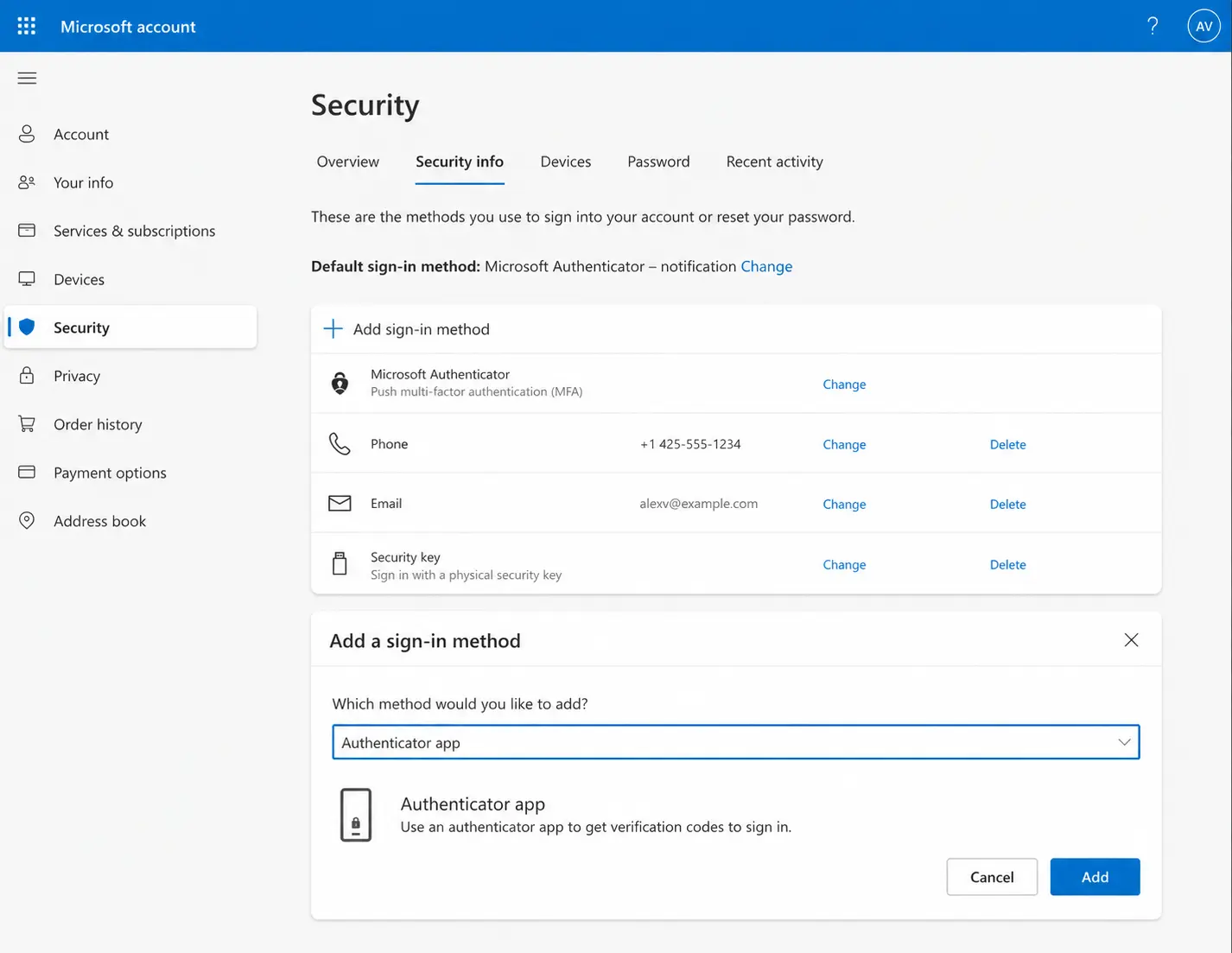
Multi-factor authentication (MFA) is the single most impactful security habit you can build right now. MFA requires a second form of verification beyond your password, typically an app-generated code, a biometric check, or a physical hardware key. Even if an attacker has your password, MFA stops them cold.
Microsoft estimates that MFA can block 99.9% of bulk phishing attacks and 76% of targeted attacks, according to their own identity telemetry. That is not a marginal improvement. It is a near-complete elimination of one of the most common attack categories.
Not All MFA Is Equal
However, MFA methods carry very different levels of protection. Understanding the hierarchy matters. Here is how they rank from strongest to weakest:
- Hardware security keys (such as a YubiKey): Phishing-resistant, cannot be intercepted, highest protection available
- Authenticator apps (such as Google Authenticator or Authy): Time-based codes generated on-device, significantly harder to intercept than SMS
- SMS-based codes: Better than no MFA, but vulnerable to SIM swapping attacks where criminals convince your carrier to transfer your number to their device
For email, banking, cloud storage, and work accounts, authenticator apps should be the minimum. For high-value accounts, a hardware key is worth the small investment. SMS codes are acceptable for lower-risk services where better options are not available.
Passkeys — a newer standard built on the FIDO2 (Fast Identity Online version 2) protocol — are beginning to replace passwords entirely on major platforms. Apple, Google, and Microsoft all support passkeys now. They work by tying authentication to your device and biometrics, making phishing fundamentally impossible. If your accounts offer passkeys, enable them.
Keep Everything Updated — Software, Apps, and Firmware
Skipping software updates is one of the most common and costly habits in digital security. Attacks against known, patchable vulnerabilities increased by 54% in 2024, according to the Indusface State of Application Security Report, meaning attackers actively hunt for systems running outdated software.
In 2025 alone, more than 1,000 zero-day vulnerabilities (previously unknown flaws with no patch available at the time of discovery) were publicly disclosed, as reported by Qualys security research. Attackers weaponize these within days. The only defense after a patch is released is to install it quickly.
What to Keep Updated and How Often
Enable automatic updates wherever you can. Many people update their phones and computers but forget the devices around them. Here is a practical checklist:
- Operating system: Enable automatic updates on Windows, macOS, iOS, and Android
- Apps and browsers: Do not dismiss update prompts. Chrome, Firefox, and Edge release security patches frequently
- Home router firmware: Log into your router’s admin panel every few months and check for firmware updates. Most routers do not update automatically
- Smart home devices: Cameras, smart speakers, and connected thermostats run software too and receive security patches that most users never install
The HP Wolf Security team found that a Chrome vulnerability window in 2025 left users exposed for 87 days — nearly a quarter of a year — before it was resolved. That is the real cost of delayed updates. You are not inconvenienced by updating. You are exposed by not updating.
Recognize and Avoid Phishing Attacks
Phishing is the dominant entry point for most cyberattacks. In Europe, roughly 60% of all cyber intrusions begin with a phishing email. In the United States, it is the most reported form of cybercrime by complaint volume, with 859,532 complaints filed in 2024 and $16.6 billion in reported losses — a 33% increase over 2023.
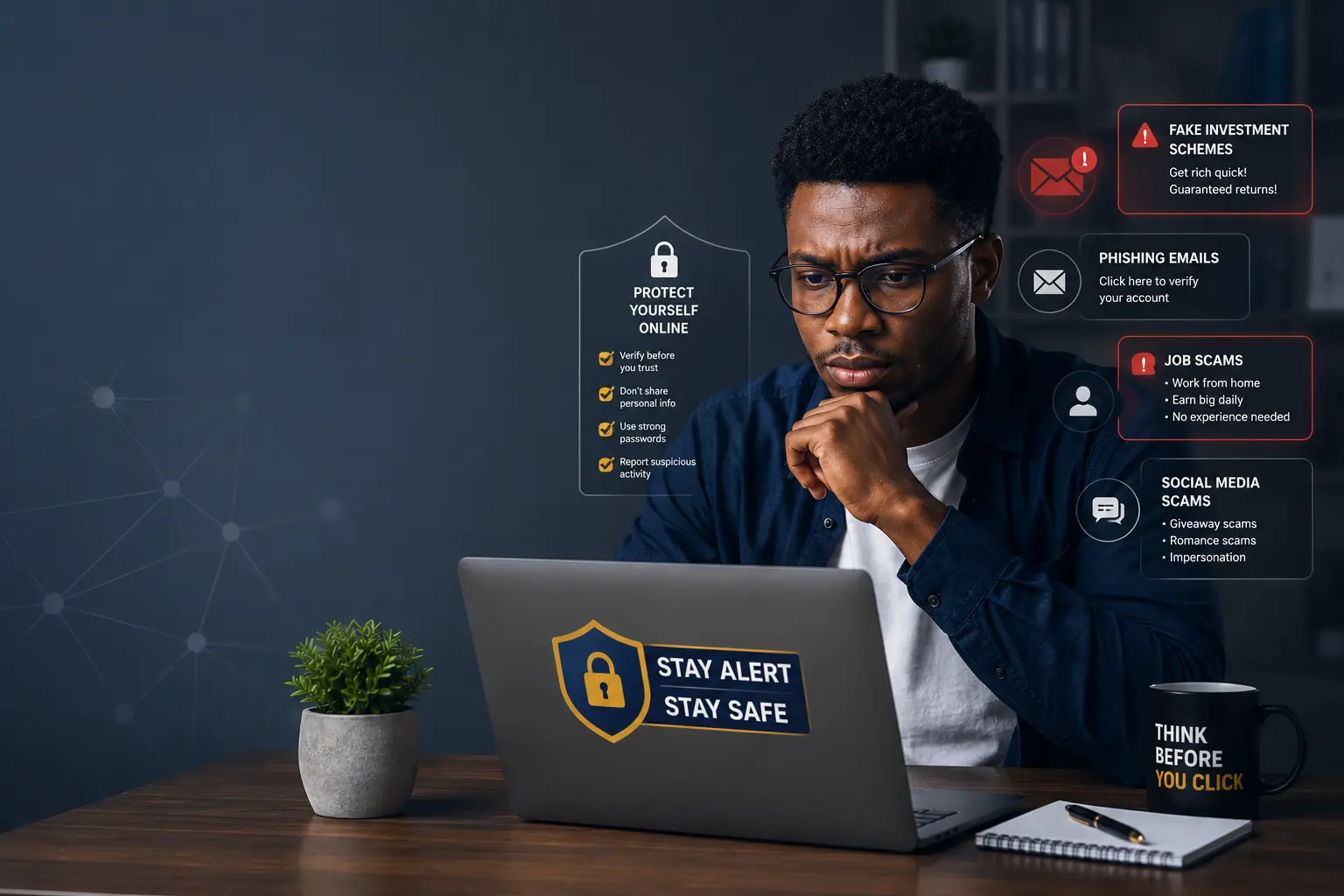
Phishing has evolved. The old tells — broken English, mismatched logos, urgency around Nigerian princes — are mostly gone. Modern phishing emails are generated by AI, personalized with details scraped from LinkedIn and social media, and designed to mimic the exact style of legitimate senders. Some target you specifically based on your job title, your employer, and recent professional activity. This is called spear phishing, and it is increasingly common.
How to Spot Phishing in 2026
Since content quality is no longer a reliable signal, shift your attention to verifiable mechanics:
- Check the sender’s actual email domain, not the display name. “PayPal Support” can be typed by anyone, but the domain after the @ symbol reveals the truth
- Hover over links before clicking. The URL that appears in the status bar is the real destination. If it does not match the brand or looks strange, do not click
- Be suspicious of urgency. “Your account will be suspended in 24 hours” is a pressure tactic designed to override your judgment
- Verify requests through a separate channel. If your bank emails asking you to verify your details, call the number on the back of your card instead of clicking anything in the email
- Watch for smishing and vishing: Smishing uses SMS text messages, and vishing (voice phishing) uses phone calls to achieve the same manipulation. Treat unsolicited contact from any institution with the same skepticism you would apply to an email
One personal observation worth sharing: the most convincing phishing attempts tend to arrive when you are tired, distracted, or emotionally invested in the outcome. Attackers know this. They time campaigns around tax season, major news events, and payroll cycles. Slowing down for five seconds before clicking is a habit that costs nothing and saves everything.
Secure Your Home Network
Your home Wi-Fi network is the gateway through which every connected device in your house communicates with the outside world. A poorly secured router is an open invitation. Many people configure a router once when it arrives and never touch the settings again. That is a problem.
Start with the basics. Change the default admin username and password on your router immediately. Default credentials for most router brands are publicly listed online. An attacker who gains access to your router can intercept traffic, redirect DNS queries (the system that translates domain names into IP addresses), and monitor every device on the network.
Network Segmentation and Guest Networks
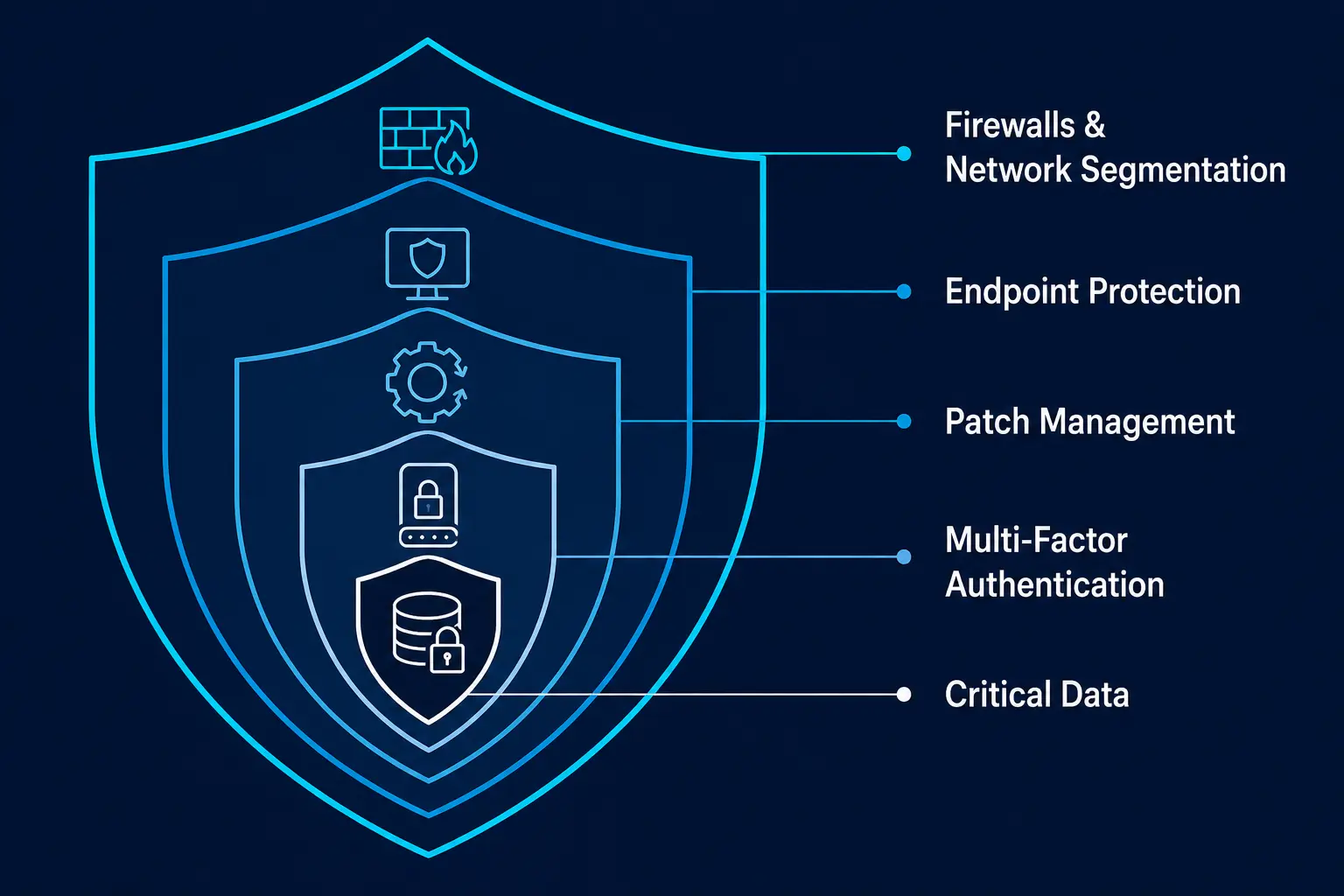
Most modern routers support a guest network — a separate Wi-Fi network that is isolated from your main one. Put smart home devices, gaming consoles, and anything that rarely receives security updates on the guest network. If a smart thermostat or camera gets compromised, network segmentation prevents the attacker from pivoting to your laptop or phone.
Also enable WPA3 encryption if your router supports it. WPA3 is the current generation of Wi-Fi security protocol. It is significantly more resistant to brute-force password attacks than the older WPA2 standard still running on many home networks.
Use a VPN on Public Wi-Fi Networks
Public Wi-Fi at airports, cafes, hotels, and libraries is convenient. It is also inherently untrustworthy. Because public networks are open to anyone, attackers can position themselves between your device and the network in what is called a man-in-the-middle attack. They intercept traffic, capturing anything sent without encryption.
A Virtual Private Network (VPN) routes your traffic through an encrypted tunnel, making interception practically useless even if an attacker is present on the same network. Modern VPN services based on the WireGuard protocol offer fast, reliable connections with strong encryption and minimal performance impact.
When choosing a VPN, look for a strict no-logs policy verified by independent audit, a kill switch that cuts your internet if the VPN connection drops, and a jurisdiction that does not require data retention by law. Services like Mullvad, ProtonVPN, and ExpressVPN have published third-party audits of their privacy claims. Free VPNs, however, frequently monetize your traffic data. The product is you, not the service.
Back Up Your Data Regularly
Ransomware — malicious software (malware) that encrypts your files and demands payment for their release — has become the most economically damaging category of cyberattack for individuals and organizations alike. In healthcare alone, ransomware attacks grew by at least 25% in recent years. The only reliable protection against ransomware is a backup you cannot reach through your current network.
The 3-2-1 rule remains the gold standard for backup strategy. Keep three copies of your data, on two different types of storage media, with one copy stored offsite or offline. In practice, this looks like:
- Your primary files on your computer
- A local backup on an external hard drive kept disconnected when not in use
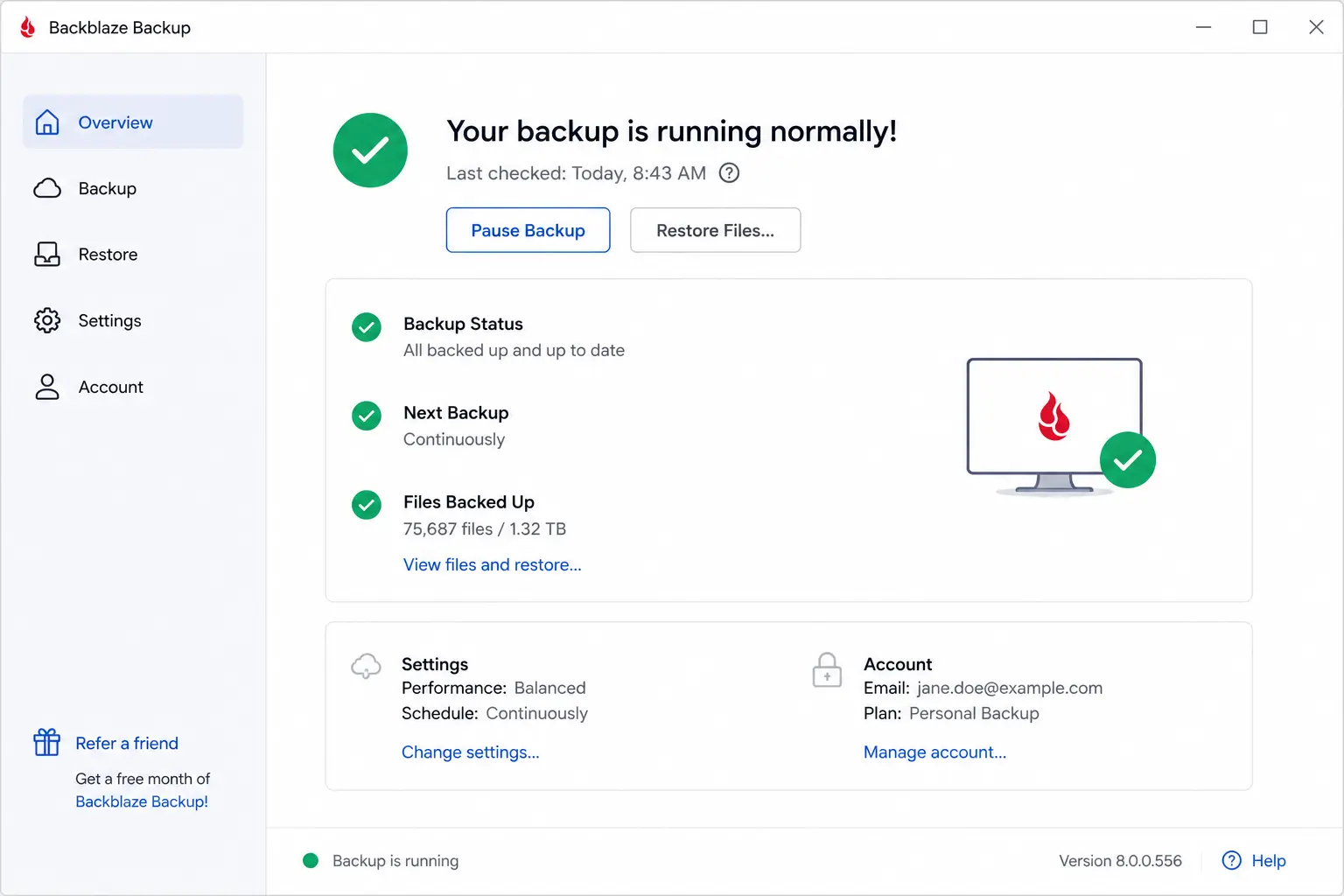
- A cloud backup through a service like Backblaze, iCloud, or Google One
The disconnected external drive is the critical piece. Cloud backups can sometimes be encrypted by ransomware if your cloud sync is running during an attack. An offline drive cannot be reached remotely. Test your backups occasionally by restoring a file. A backup you have never tested is a backup you cannot trust.
Review Your Privacy Settings and App Permissions
Data you have already shared is just as much a risk as data you share today. Many apps request permissions far beyond what their function requires. A flashlight app that requests access to your contacts, location, and microphone is not being helpful. It is harvesting data.
Take 20 minutes to audit the apps on your phone. On both iOS and Android, you can review exactly which permissions each app holds under the privacy settings. Revoke anything that does not make sense. Location access, in particular, is one of the most commonly over-granted permissions. Consider switching all location permissions to “only while using the app” rather than “always on.”
Monitor for Data Breach Exposure
Your personal data has likely already appeared in a breach. Services like Have I Been Pwned allow you to check whether your email address or phone number has been included in known data leaks. Enter your email, see the results, and change passwords for any compromised accounts immediately.
Also enable breach monitoring alerts through your password manager or through your iPhone’s built-in Password section, which cross-references your saved credentials against known breach databases. This turns reactive breach response into something close to real-time alerting.
Be Careful What You Share Online
Social engineering attacks — attacks that manipulate people rather than systems — depend on information. Every detail you share publicly becomes raw material for an attacker building a convincing deception. Your employer, your job title, your vacation schedule, your family members’ names, your pet’s name (often used as a security question answer) — all of it feeds the profile.
Oversharing on social media is a direct attack surface. That does not mean abandoning platforms. It means being intentional about what is public and what is not. Lock down privacy settings so posts are visible only to people you know. Think twice before sharing your location in real time. And never post photos of sensitive documents, boarding passes, or anything containing account numbers or personal identifiers — even as a humble brag about travel.
Frequently Asked Questions
What is the most important cybersecurity habit to start with?
Enabling multi-factor authentication on your email account is the single most impactful first step. Your email is the master key to everything else — password resets, account recovery, and identity verification all run through it. Securing it with MFA significantly reduces your overall risk immediately.
Do I really need a password manager if I have a good memory?
Yes. Even a strong memory cannot reliably track dozens of unique, 16-character random passwords. The moment you reuse a password across two accounts, you have created a credential stuffing vulnerability. Password managers eliminate that risk entirely and generate passwords far stronger than anything you can memorize.
Is free antivirus software enough in 2026?
Free antivirus tools offer basic signature-based detection, which catches known malware but misses newer threats. CrowdStrike’s 2026 Cyber Threats Report found that 82% of detections involved malware-free attacks — techniques that bypass traditional antivirus entirely. Good habits, combined with built-in platform security tools like Windows Defender, offer better protection than most free third-party antivirus products.
How do I know if my device has already been compromised?
Common indicators include unusual slowdowns, unexpected data usage, apps you did not install, accounts sending messages you did not write, and security alerts from services you use. If you suspect compromise, change your passwords from a separate device, enable MFA, and consider running a full security scan. For serious concerns, contact your device manufacturer’s support team.
Are passkeys actually more secure than passwords with MFA?
Yes, in most cases. Passkeys use cryptographic keys tied to your device and biometrics, making them phishing-resistant by design. There is no password to steal, guess, or leak. Combined with the FIDO2 standard’s verification mechanics, passkeys eliminate the credential theft vector that drives the majority of account takeovers. Enable them wherever offered.
How often should I back up my data?
Daily automated backups are ideal for files you actively work with. For most people, a weekly automated cloud backup combined with a monthly check of a local offline drive covers the realistic risk. The frequency matters less than the consistency — a backup that runs reliably every week is far more valuable than a perfect backup strategy you never actually execute.

Prince Anichi
Founder and Lead Technology Editor at Ortechy. Covering digital economy shifts, tech ecosystems across Africa, cybersecurity intelligence, and emerging software platforms.